
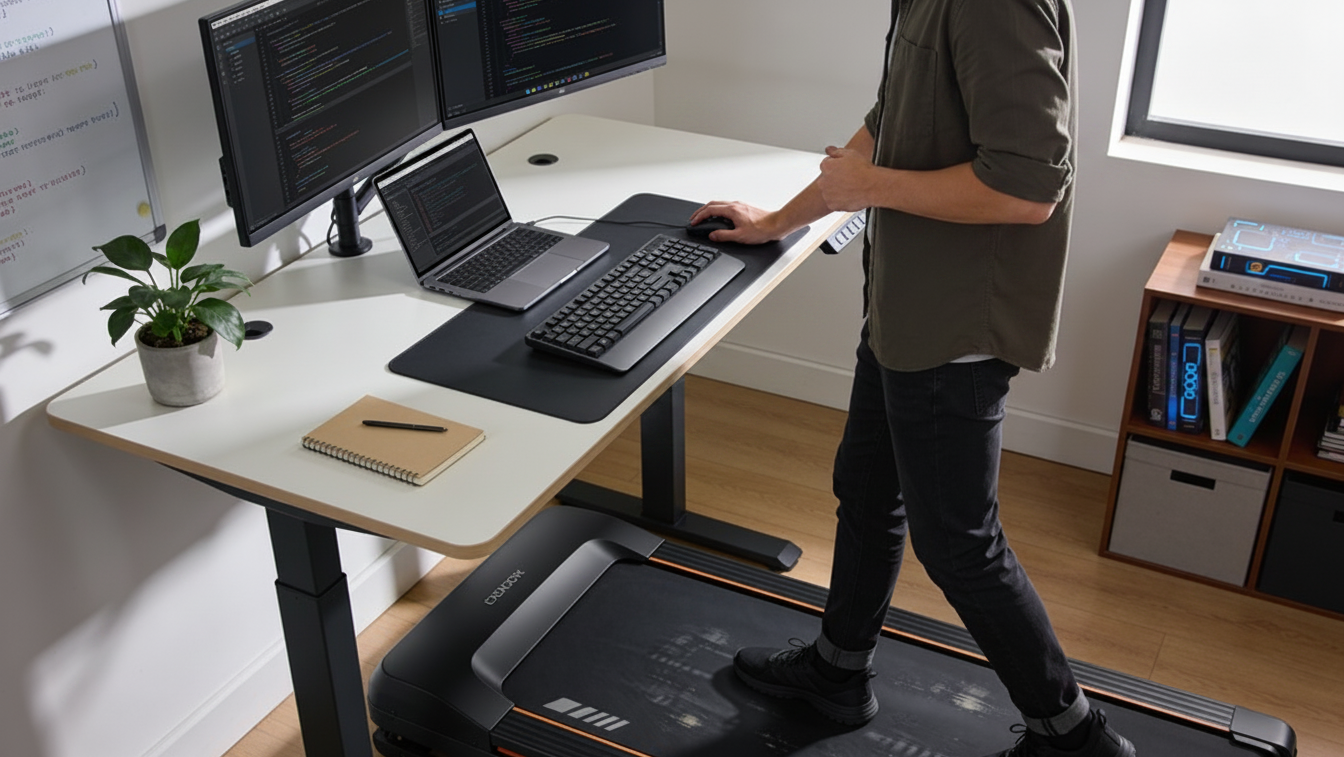
Is Your Walking Pad Causing Back & Joint Pain? What Remote Workers Need to Know
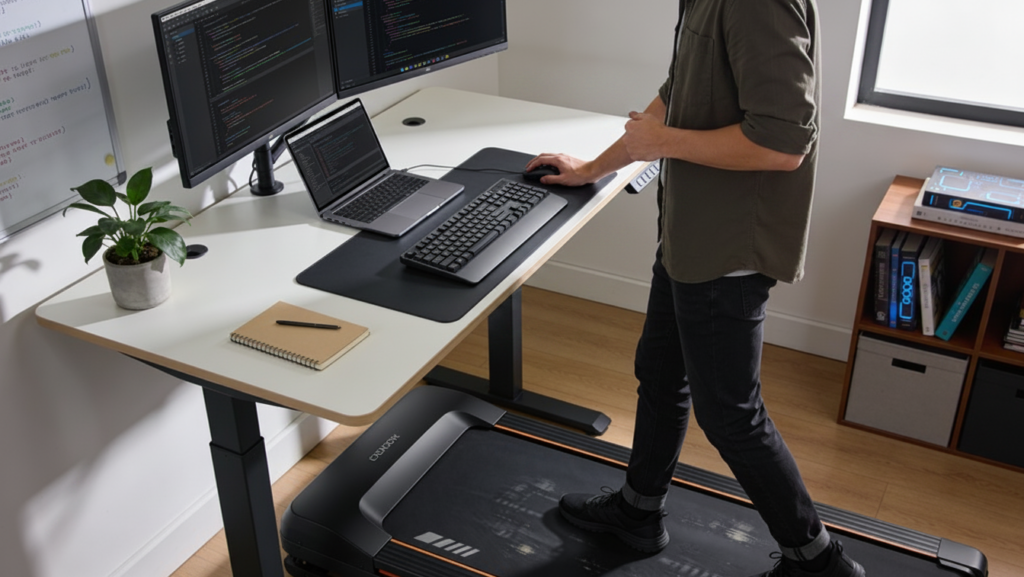
Quick Answer
Walking pad back pain and joint pain can develop when your body is getting used to a higher daily step count or when using an under-desk treadmill changes the way you stand, walk, and work. Lower back pain is one of the most common complaints, but discomfort can also affect the hips, knees, feet, and ankles. Although a walking pad can be a helpful way to break up prolonged sitting, it also introduces repetitive movement that your muscles and joints may not be used to.
Symptoms related to walking pad use do not always develop immediately. If discomfort occurs after you begin using an under-desk treadmill, it may be related to increased walking volume, workstation setup, movement patterns, an underlying musculoskeletal condition, or a combination of factors. A walking pad may contribute to symptoms, but it is not always the only cause.
What You’ll Learn
- Why a walking pad may contribute to low back, hip, knee, foot, or ankle pain.
- How walking volume, workstation setup, posture, and footwear can affect your joints and spine.
- The difference between normal adjustment soreness and symptoms that may need medical evaluation.
- Common reasons discomfort develops after using an under-desk walking pad.
Why Can a Walking Pad Cause Low Back Pain?
A walking pad can contribute to low back pain because it increases the amount of repetitive movement your body performs each day and may change your posture while you work. If your muscles and joints are not used to the added walking, the muscles that help stabilize your pelvis and spine can become fatigued over time. Even at a slow pace, every step transfers force through the pelvis and spine.
Walking while answering emails or attending virtual meetings may not feel as physically demanding as a traditional workout, even though it increases overall daily walking volume. A few short sessions may feel comfortable, but several hours of steady walking can fatigue the muscles that help support the lower back. A work desk positioned too far away can encourage forward leaning, rounded shoulders, or changes in walking mechanics.
Regular movement is important for a healthy routine, but walking is only one part of musculoskeletal health. Strength, flexibility, and an ergonomic workspace all play a role in how your body responds to increased activity. A walking pad may help reduce sitting time, but it does not replace those other habits that support comfortable movement.
Why do Knees, Hips, or Feet Hurt After Using a Walking Pad?
Knee, hip, foot, or ankle pain after using a walking pad often develops because each step creates a repeated force that travels through your joints. An under-desk treadmill can subtly change your stride length, cadence, and foot placement, especially when you are typing, reading, or attending meetings at the same time. These small changes can place extra stress on different parts of the body over time.
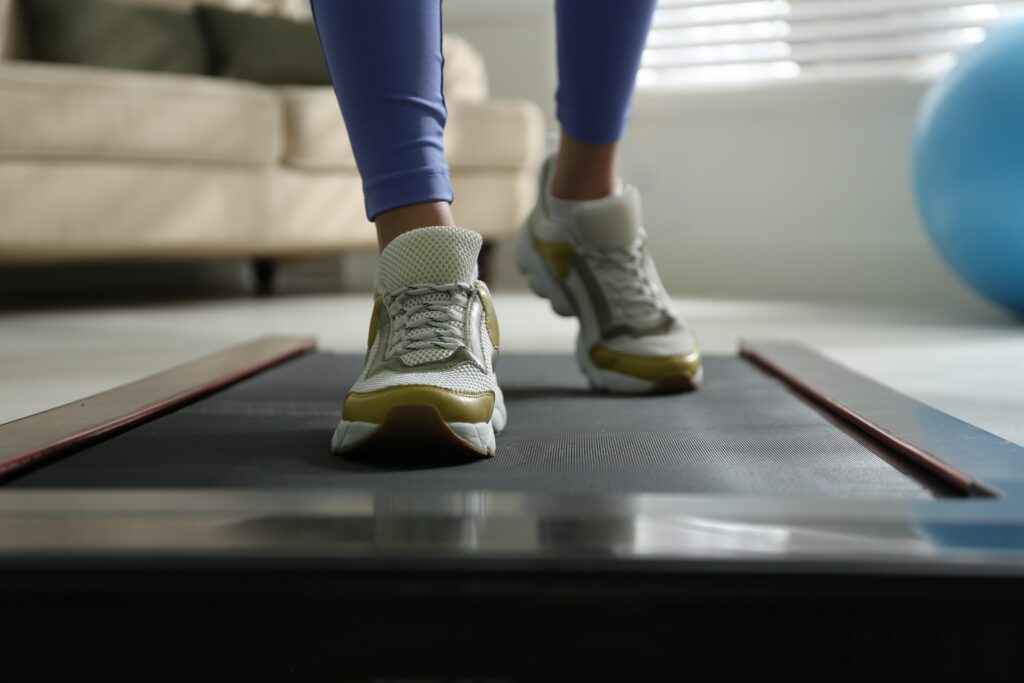
Footwear matters, too. Walking barefoot, in slippers, or in unsupportive shoes may feel convenient at home, but it can change how the foot absorbs force with each step. For longer walking sessions, supportive athletic shoes are generally a better choice because they can help support normal walking mechanics. For some people, unsupportive shoes may contribute to arch soreness, heel pain, calf tightness, kneecap-area pain, or hip fatigue.
Pain can have many different causes, and the pattern of your symptoms is an important part of a medical evaluation. Mild soreness that improves as your body adapts is different from pain that becomes more severe, persists after walking, or begins interfering with daily activities.
Is Walking Pad Pain Soreness or a Sign to Slow Down?
Walking pad pain can be temporary soreness as your body adapts, or it can be a sign that you should reduce your activity and have your symptoms evaluated. Several factors may help distinguish temporary soreness from symptoms that warrant medical evaluation.
| Ask Yourself | More Likely Temporary Soreness | May Need Medical Evaluation |
| Where do you feel it? | General muscle soreness or fatigue | Sharp, localized pain or pain that radiates down the leg |
| When does it happen? | After longer walking sessions or increased activity | Starts quickly, worsens with each use, or follows a fall, twist, or previous injury |
| Does it improve? | Gets better with rest or reduced walking | Persists, worsens, or returns every time you use the walking pad |
| Does it affect movement? | No significant changes in the way you walk | Causes limping, balance problems, or changes your normal movement |
| Are there other symptoms? | Muscle stiffness that gradually improves | Numbness, tingling, weakness, or swelling |
If your symptoms continue to worsen, interfere with your daily routine, or include numbness, tingling, weakness, or pain that travels down the leg, it’s a good idea to have them evaluated rather than assuming your walking pad is the only cause.
How Your Desk Setup Changes What Your Body Feels
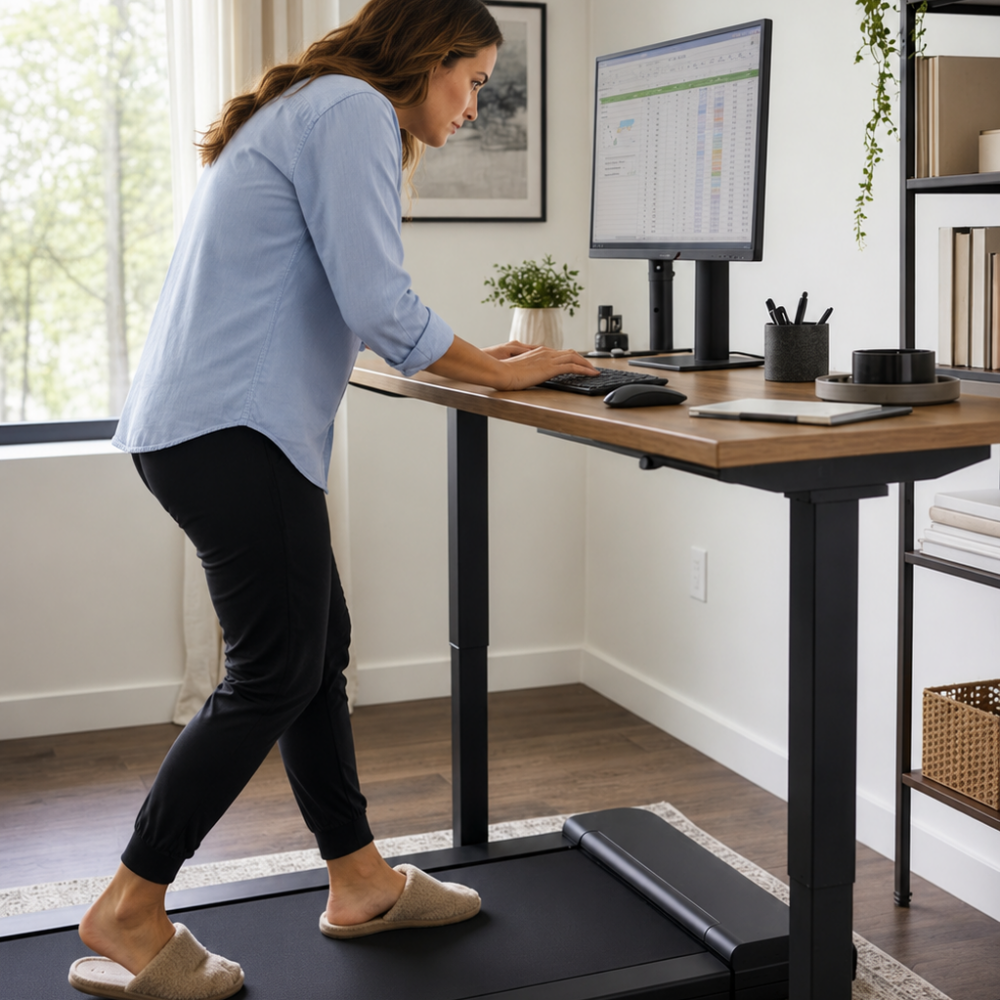
Walking while working is different from walking outside because your attention is divided between movement and your computer. Instead of naturally swinging your arms and looking ahead, you may spend long periods focused on a monitor while reaching for a keyboard or mouse. These changes can alter your upper-body posture without you realizing it.
Remote work ergonomics are just as important when you use a walking pad. Your workspace can influence your posture and the way your body moves throughout the day. If the screen is too low, the keyboard is too far away, or the desk height makes your shoulders tense, discomfort may develop even though your legs are moving throughout the workday.
Tips for Using a Walking Pad More Comfortably
- Match the task to the activity. Walking may feel more comfortable during phone calls, virtual meetings, or training sessions than during work that requires sustained typing or detailed concentration.
- Wear supportive footwear for longer sessions. Walking shoes may provide more support than going barefoot or wearing slippers.
- Change positions throughout the day. For example, alternating between sitting, standing, and walking can help reduce fatigue from staying in one position for long periods.
- Increase your walking time gradually. Rather than making a large jump in daily walking, increase your time over several days or weeks to give your muscles and joints an opportunity to adapt.
- Pay attention to patterns. If the pain consistently returns during or after walking, take note of when it happens and whether it changes with your routine or desk setup.
When Should Pain from Walking Pad be Evaluated?
For some people, pain associated with walking pad use may improve after activity adjustments or ergonomic changes. If your symptoms worsen, don’t improve, affect the way you walk, interfere with work or sleep, it may be time to have your pain evaluated.
An evaluation can look at how symptoms started, where pain travels, and what movements make it worse. The goal is to understand whether your symptoms are related to your walking routine, desk setup, movement patterns, an underlying musculoskeletal condition, or a combination of factors.
Depending on your symptoms, you may benefit from seeing an orthopedic specialist, sports medicine physician, physiatrist, or physical therapist experienced in treating musculoskeletal conditions.
Key Takeaways
- Walking pads can help reduce sitting, but they still add repeated load throughout the musculoskeletal system.
- Pain often results from a combination of desk setup, stride changes, shoes, movement patterns, and pre-existing conditions.
- Temporary soreness is different from pain that worsens, travels, causes weakness, or changes the way you walk.
- Persistent walking pad back pain or joint pain should be evaluated in the context of your full movement and work routine.
Frequently Asked Questions
Can walking pads cause lower back pain?
Yes. Walking pads can contribute to lower back pain in some people, particularly when changes in walking volume, posture, or an underlying musculoskeletal condition place extra stress on the spine.
Why do my knees hurt after using an under-desk treadmill?
Knee pain after using a walking pad often develops when repetitive walking, changes in stride, footwear, or an existing knee condition place extra stress on the joint. Pain that causes swelling, instability, or difficulty walking should be evaluated.
Are walking pads bad for your joints?
Not necessarily. Walking pads are not inherently harmful to the joints, but discomfort can develop when walking volume, workstation setup, biomechanics, or underlying musculoskeletal conditions place additional stress on the body.
Should I stop using my walking pad if I have pain?
Pain that is mild and short-lived may improve when activity is adjusted, but worsening pain, symptoms that affect walking, or nerve-like symptoms should not be ignored. An evaluation can help clarify what is contributing before you keep increasing use.
Should I Wear Shoes on a Walking Pad?
For longer walking sessions, supportive athletic shoes are generally a better choice than slippers or walking barefoot. Proper shoes can help support normal walking mechanics and reduce stress on the feet and joints.
Walking Pad Pain That Keeps Interrupting Work Deserves a Closer Look
A walking pad can be a useful part of a remote-work routine. If musculoskeletal pain continues to interfere with work, walking, sleep, exercise, or daily activities, a medical evaluation can help determine whether additional assessment is appropriate.
PainandInjury.com helps connect patients in New York, New Jersey, and Connecticut with providers who evaluate musculoskeletal injuries and conditions. Call 800-949-6100 or request an appointment to learn about available care options.
*This article is for educational purposes only and is not a diagnosis or treatment plan. Every injury and medical condition is different. A qualified healthcare professional can evaluate symptoms in the context of medical history and individual needs.